I’ve been through my share of photobook suppliers, but I just hadn’t been able to find that sweet spot between great quality and price. It was either cheap and it showed, or EXTREMELY expensive. I wanted to find a product that could offer with my wedding packages and pass the savings on to my clients.
Did I find the perfect compromise I was looking for?
YES! After what it seemed like an endless Google search, the name Adoramapix kept popping up with excellent reviews on their photobooks. After reading a few of those, I decided to visit their web page and find out what they had to offer. First off, their pages are printed on true archival photo paper, which means that your pictures will look as good as you intended them to look. What I found with the press printed books I had tried in the past was that the colors of my images were rather flat and the contrast was toned down. To counteract that result, I had to do some serious tweaking in Photoshop, to the point that I thought the images were going to look awful when printed but that was just to bring them closer to the original look I had envisioned. Adoramapix even offers color correction with their albums, which was a first for me.
How does the workflow compare to other photobook companies?
While there are some album companies that offer plugins for straight export of your layout from within Apple’s Aperture, those companies offer high-end products at high-end prices. In other words, not exactly what I was looking for. Adoramapix provides a web-based interface to create your book and it even provides some templates that you can use. However, if you want something more customized, you can import your designs and assemble the final product by simply expanding your page/spread onto their blank template. My workflow is very simple and fast; once I’m done with the design of the book in Aperture, I select Print and then Save PDF to Folder as JPEG. After I select the folder where my JPEG (pages) files will reside, the export process begins. Those are the images that I use for the pages of the book after I upload them to an Adoramapix gallery. The cover is done in Photoshop in a 20”x 10” canvas, which is the only element that I’m not able to create in Aperture. A direct to print plugin would be awesome, but the whole process is pretty fast as it is right now.
How does the quality of the product compare to other companies?
Well, let’s just say that I’ve ordered four (4) more books since I got my first sample album just a few weeks ago. The lay-flat, 10”x 10”, 26-page sample album that I got from them lived up to all the hype! Finally my images looked just the way I wanted them to look, as the color reproduction, the contrast and everything else was spot on.
What do the books look like?
What better way to show that with some pictures…
Showing posts with label Event Photography. Show all posts
Tuesday, November 22, 2011
Thursday, April 23, 2009
Toronto Event Photography - ASID CEU Educational Seminar Series at The Gladstone Hotel on Queen St. West. Hosted by Tayco
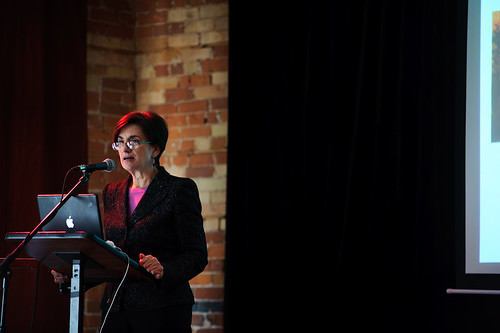
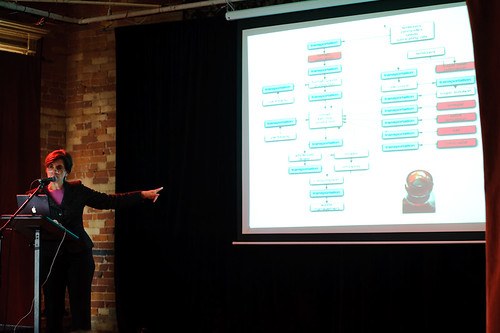
Last night I had the pleasure of photographing the first event of Tayco's Educational Seminar Series. Penny Bonda, FASID, LEED AP, and Eco Editor for Interior Design magazine was the featured speaker. The presentation was titled The Green Materials Maze and it was certainly an eye-opener for me. However, the emphasis was on which materials to choose from for interior design projects and how to tell the real deal from hype. You can visit Penny's blog by CLICKING HERE
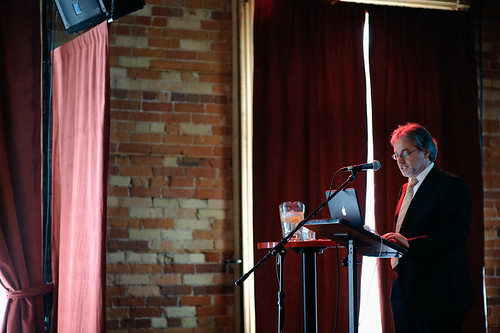
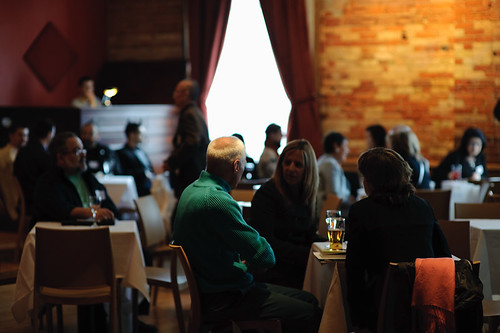
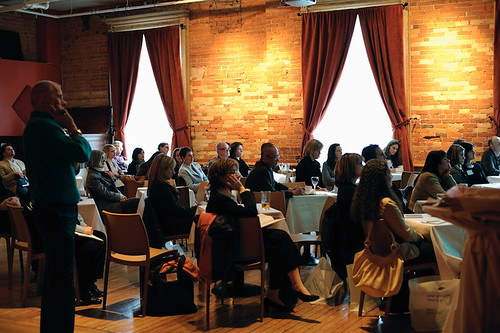
Here are some shots from the event. The room at The Gladstone was quite interesting on its own. The lighting was quite mixed, with gelled stage lights, natural light coming through the windows and overhead lamps throughout the room. Needless to say, it made post-processing quite interesting.
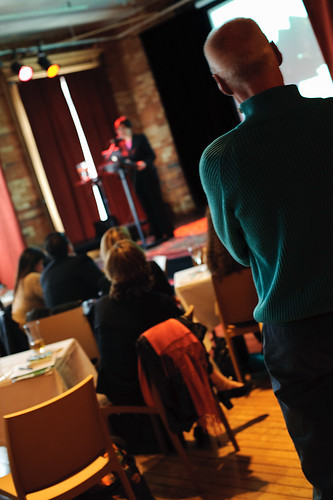
The shots of the podium were taken using a custom WB from my ExpoDisc


This is when things started to get tricky and I opted to set the WB to Auto and then fiddle with it in post.


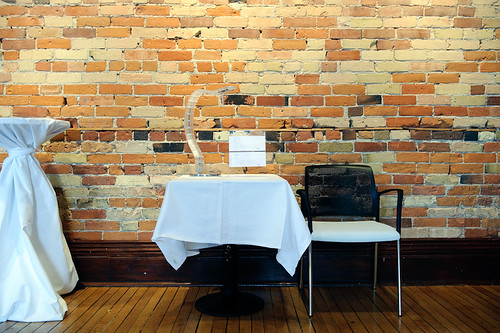
Door prizes for the attendees

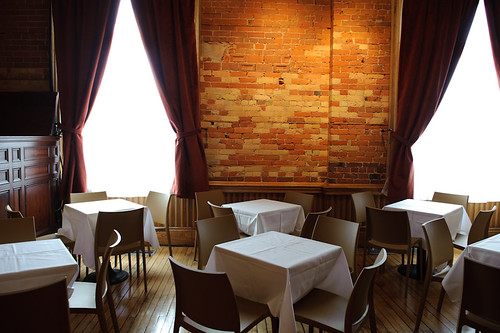
While the lighting was a bit challenging, the room at The Gladstone had a lot of character and one that I wouldn't mind going back to again and again.

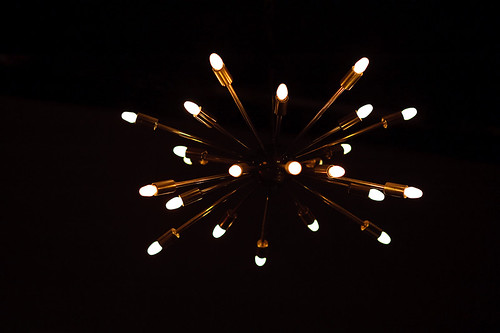
This is the lamp that was hanging on top of the bar.

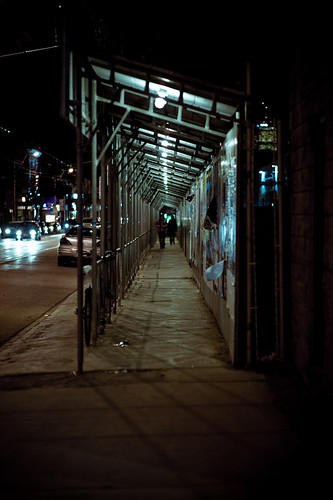
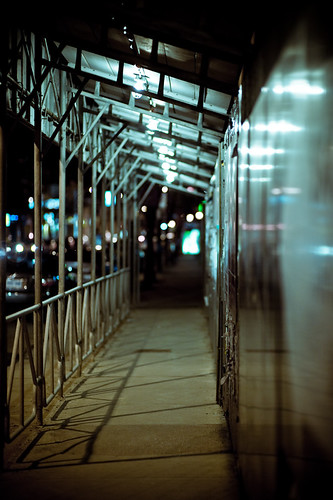
Since I was on Queen St. West, I decided to grab a few shots on my way back to the car but I was so tired that I literally just took a couple:

Here are some shots from the event. The room at The Gladstone was quite interesting on its own. The lighting was quite mixed, with gelled stage lights, natural light coming through the windows and overhead lamps throughout the room. Needless to say, it made post-processing quite interesting.
The shots of the podium were taken using a custom WB from my ExpoDisc


This is when things started to get tricky and I opted to set the WB to Auto and then fiddle with it in post.


Door prizes for the attendees

While the lighting was a bit challenging, the room at The Gladstone had a lot of character and one that I wouldn't mind going back to again and again.

This is the lamp that was hanging on top of the bar.

Since I was on Queen St. West, I decided to grab a few shots on my way back to the car but I was so tired that I literally just took a couple:

Subscribe to:
Posts (Atom)